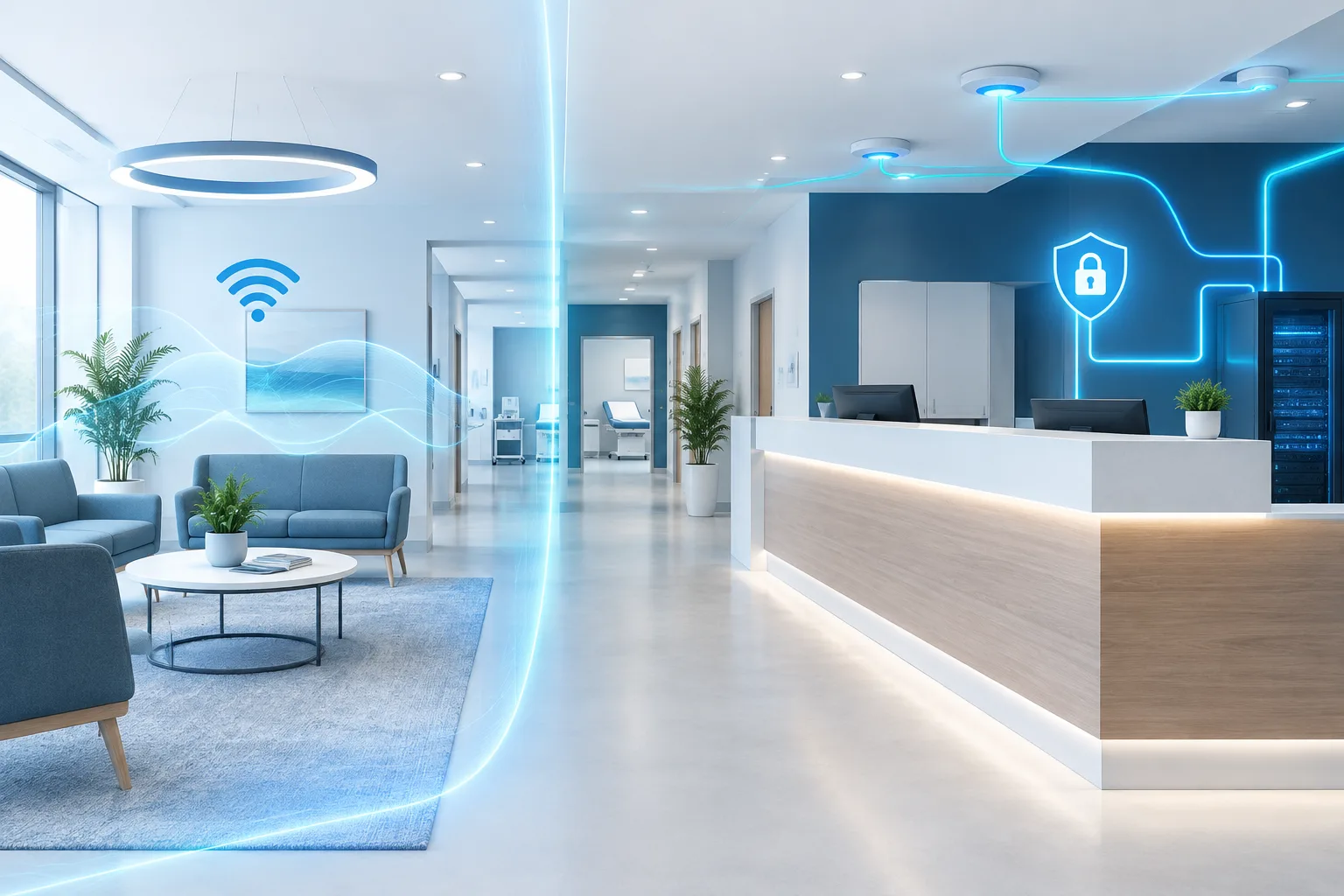
Clinic guest Wi-Fi network segmentation is about more than giving patients a separate wireless name. The network behind that name must also prevent guest devices from reaching staff systems, clinical services, medical equipment, or network-management tools.
A well-planned design gives each group of devices the connections it needs while limiting unnecessary paths between groups. That can help a clinic provide patient internet access without treating every device on the premises as equally trusted. The right setup depends on the clinic’s systems, equipment, workflows, and vendor requirements.
Start with network zones, not just Wi-Fi names
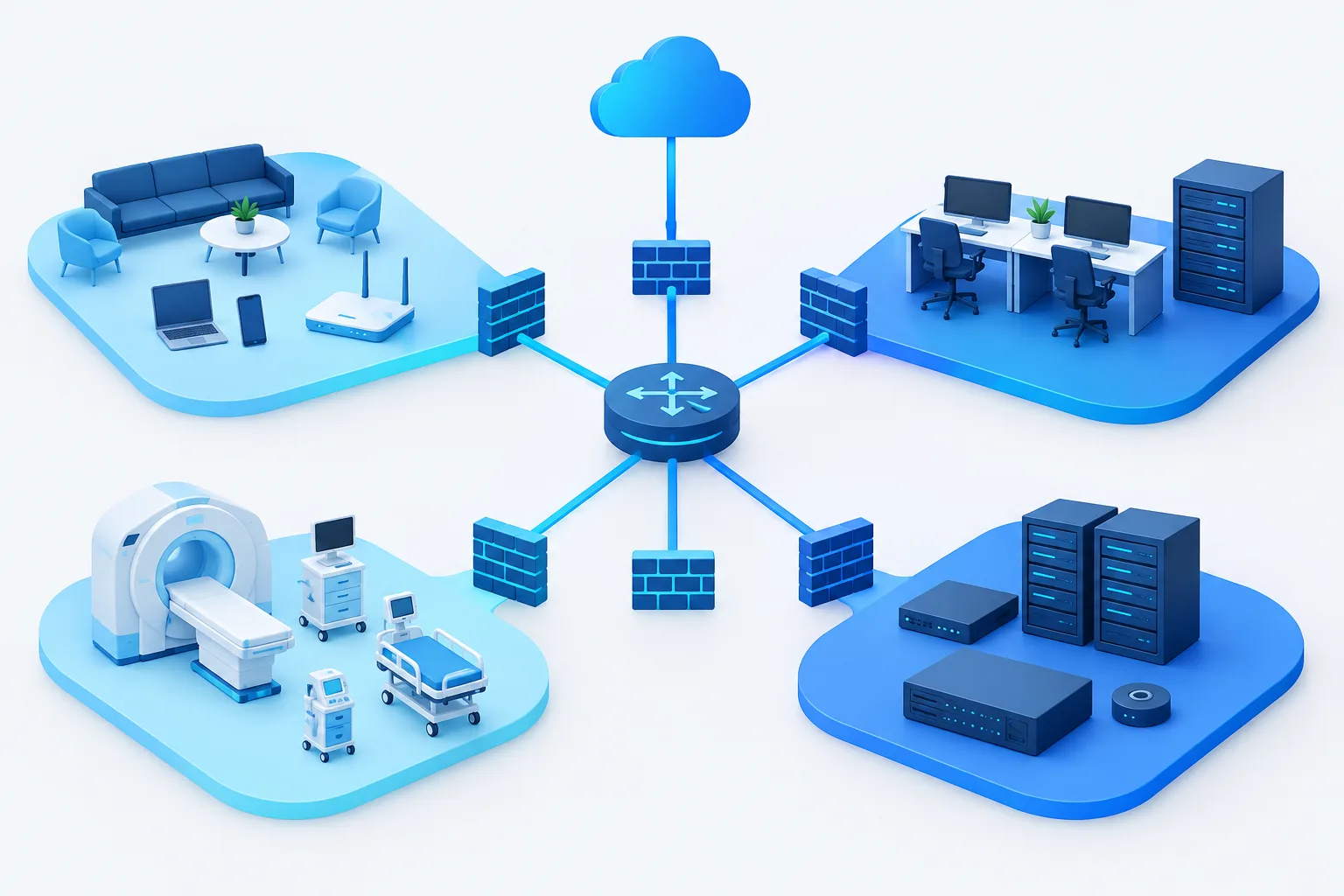
A useful starting point is to map the clinic’s devices and services into separate zones. The zones are logical groups, and they may use separate wireless networks, wired connections, or both. A simple model includes:
- Guest access: Patient and visitor devices that need internet access, but not access to clinic resources.
- Staff systems: Staff computers and other approved devices used for clinical or administrative work.
- Clinical services: Systems such as EHR or EMR services and other resources that staff or approved equipment must reach.
- Medical devices: Connected clinical equipment, grouped according to its function and technical requirements.
- Network management: Infrastructure used to administer network equipment and security settings, with access limited to authorized administrators.
Not every clinic needs precisely these zones, and some devices may need carefully defined connections across them. The point is to understand what each group needs before deciding how to separate it. A clinic with multiple locations, telemedicine systems, or equipment from different vendors may have dependencies that are not obvious from a wireless network name alone.
Why a separate guest Wi-Fi name is not enough
A distinct guest network name can help people connect to the right service, but the name itself does not enforce separation. The underlying configuration must place guest traffic in an isolated network segment, and routing or firewall controls must prevent it from reaching internal networks.
For example, guest devices generally need a path to the internet, not to staff computers, clinical applications, printers, or network administration interfaces. Rules between other zones should also be limited to documented, necessary connections. Avoid broad permissions that allow a whole segment to communicate with another simply because one workflow needs access.
Healthcare cybersecurity guidance from HHS for small healthcare organizations supports taking a risk-based approach to safeguards rather than relying on a single network layout for every clinic. In practice, that means designing around the clinic’s actual systems, risks, and operational needs, then documenting and reviewing the controls.
Give medical devices their own consideration
Medical devices can have different communication needs from staff computers. Some may exchange information with clinical systems, rely on vendor support, or require particular network settings. Putting them all on an unrestricted staff network can create unnecessary exposure; placing them in a segment without understanding their dependencies can interfere with clinical workflows.
Before changing a device’s network configuration, identify its purpose, the systems it communicates with, and any requirements from the device manufacturer or service provider. Involve the appropriate clinical and technical owners so that security changes do not unintentionally interrupt care processes. For more on the broader considerations, see this guide to medical device cybersecurity management.
Where the inventory and requirements support it, separate medical devices from general staff endpoints. Then permit only the connections needed for the device’s approved use. Device groups may need different rules from one another, so avoid assuming all clinical equipment behaves alike. The FDA’s medical device cybersecurity information can also help clinics understand why device security should be considered throughout the device lifecycle.
Build and document firewall rules around necessary access
Before creating or changing rules, write down which systems need to communicate, why the connection is needed, and who owns the workflow. A clinic can then apply controls that allow necessary traffic while blocking unneeded paths. The specific configuration should be based on the network equipment, device requirements, and clinic environment.
- Guest to internal systems: Block access to staff, clinical, device, and management zones. Provide only the access required for guest internet use.
- Staff to clinical resources: Allow the access required for approved work, based on staff roles and workflows.
- Devices to clinical services: Document and allow the specific connections needed for care-related functions, rather than opening broad access.
- Vendor access: Limit remote access to approved purposes and systems. Coordinate access with the clinic and the relevant vendor, and avoid exposing the wider network when only a particular device or service needs support.
- Administration: Restrict management interfaces to authorized administrators and approved management paths.
Keep a record of the purpose and owner for each cross-zone rule. That gives the clinic a basis for reviewing whether the connection is still needed when equipment, vendors, or workflows change.
Use a safe sequence for setup and changes
Network changes can have consequences beyond connectivity. A rule that is too permissive may expose internal systems, while an overly restrictive change may affect a clinical workflow. Use a controlled process rather than making changes based only on assumptions.
- Inventory devices and dependencies. Record the equipment, systems, locations, and connections involved. Include vendor-supported devices and any known dependencies.
- Confirm requirements. Check manufacturer and vendor guidance, and speak with the staff who rely on the equipment or workflow.
- Design and document zones. Decide which devices belong together and define the necessary connections between zones.
- Approve and schedule changes. Assign an owner, document the intended change, and plan how to respond if a workflow is affected.
- Test permitted and blocked paths. Confirm that guest devices can reach the intended internet service but cannot reach internal resources. Also verify that required clinical and device connections continue to work.
- Monitor and review. Keep network configurations under controlled ownership and revisit rules when equipment, vendors, or clinic operations change.
Testing should be deliberate and authorized. A clinic can use a guest device or test account to check the intended boundaries, while its IT team validates the required clinical paths. Include the results and any follow-up actions in the network documentation.
Plan for vendors and multiple locations
Vendor support should be treated as a defined access need, not a reason to provide unrestricted reach into the clinic network. Agree on which system requires support, who authorizes it, and how access will be limited and reviewed. The clinic should retain clear ownership of firewall and access-point configurations, even when a vendor or service provider helps manage them.
Clinics with multiple sites, home-health operations, or shared services should review how segmentation and rules are applied across locations. A design that works at one site may not match another site’s equipment or workflows. Consistent documentation and change review can help reveal differences before they cause access or support problems. For ongoing visibility into network changes and performance, see healthcare network monitoring considerations.
Frequently asked questions
Should a clinic use a separate Wi-Fi network for patients and guests?
Usually, guest access should be separated from staff and clinical network resources. The wireless name can help identify the guest service, but the network configuration and access controls must enforce the separation.
Is a separate guest Wi-Fi name enough to protect a clinic network?
No. A separate name alone does not prove that guest traffic is isolated. The clinic should verify that the underlying network segment and firewall rules block access to internal systems.
Should medical devices have their own network segment?
That may be appropriate when it fits the device requirements and clinic workflows. First identify dependencies and confirm manufacturer or vendor guidance so that separation does not disrupt necessary communication.
How can a clinic check that guest devices cannot reach internal systems?
Have an authorized IT owner test the guest network against the intended boundaries, including access to internal resources, and verify required clinical connections separately. Document the results and address any unexpected access or interruption.
Make guest access a deliberate part of clinic network design
Separating guest Wi-Fi from staff systems and clinical equipment requires a clear view of devices, workflows, and necessary connections. A documented zone model, narrowly scoped rules, and careful testing can help clinics provide guest internet access while limiting unnecessary paths to internal systems.
Zevonix provides healthcare IT management and network design and management, and offers a free IT assessment. If your clinic is reviewing its guest Wi-Fi or device segmentation, consider requesting an assessment to discuss your environment and next steps.