
To forecast cloud costs for a new clinic location, start with what the site will actually use, not a simple percentage increase to the current bill. A new location may share existing systems while adding its own users, clinical files, network needs, backup requirements, and software licenses. Separating those drivers makes it easier to estimate recurring costs, one-time setup expenses, and the effect of future growth.
A forecast is a planning estimate, not a vendor quote. Its value comes from making assumptions visible so decision-makers can review them, compare scenarios, and update the plan as the opening details become clearer.
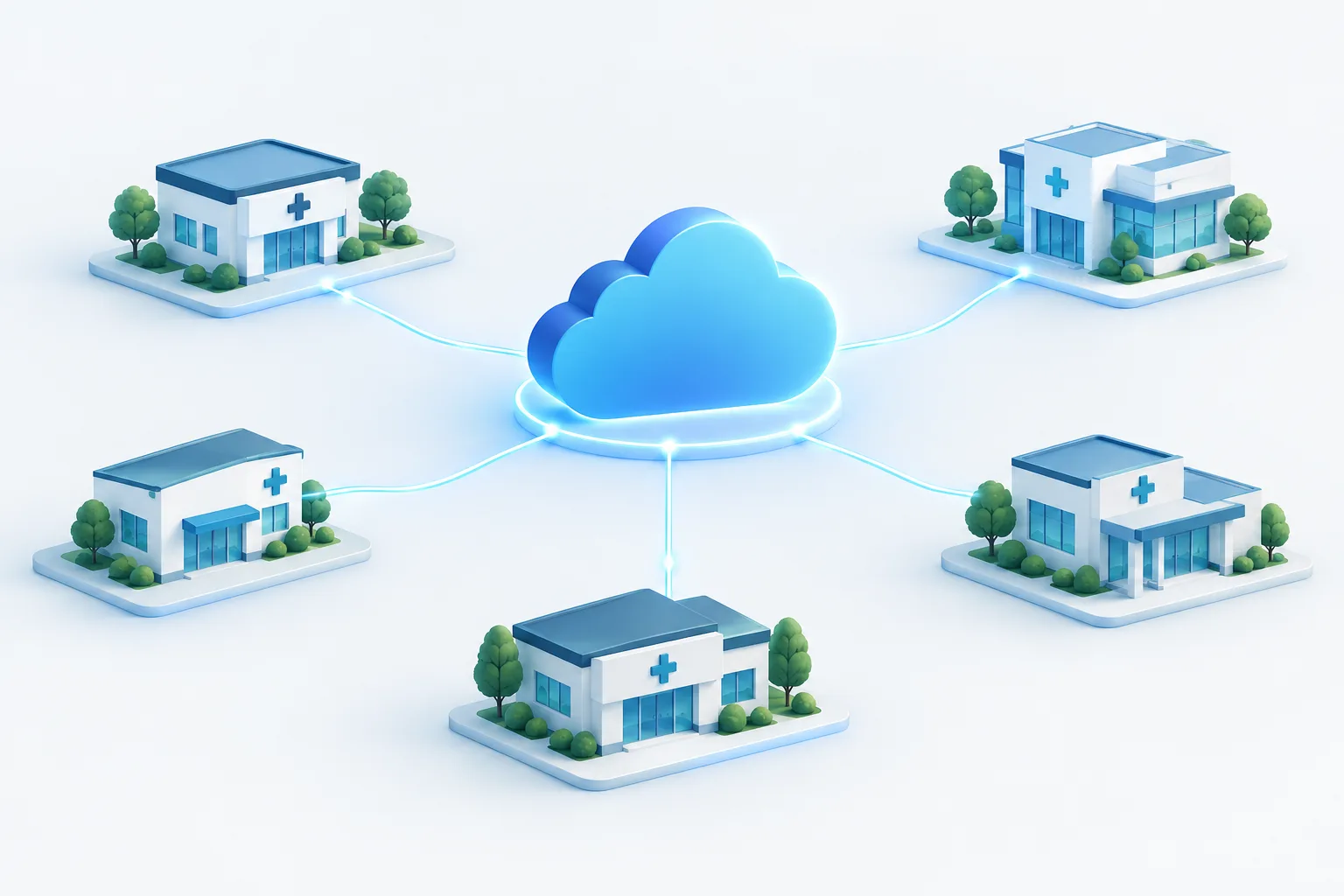
Separate shared costs from location-driven costs
Begin by reviewing current cloud invoices, service agreements, and technology plans. Group expenses into two categories:
- Shared platform costs: Services the existing organization already uses, such as central identity management, shared applications, centralized security tools, or core cloud infrastructure. Adding a site may not change these immediately, though higher usage or capacity needs can affect them.
- Location-driven costs: Expenses tied to the new site, such as additional users or licenses, new network connections, local equipment, implementation work, and increased storage or backup demand.
Some costs sit between the two categories. A shared application may have a fixed base charge but also charge according to users, storage, or activity. Check how each service is billed rather than assuming that a shared service is free to extend. Cloud planning guidance from FinOps Foundation emphasizes estimating against expected usage and making planning assumptions part of the process.
Build the estimate from the clinic’s demand drivers
For the new site, gather operational assumptions that can be translated into cloud and technology requirements. Consider the expected provider and staff mix, concurrent users, patient visits, hours of operation, and which systems need to be available there. Also identify whether staff will access the same EHR or other applications as the current locations, and whether the new site will introduce new workflows or integrations.
Include the type of clinical information created and accessed. Imaging and other large files can affect storage and transfer needs differently from mostly text-based records. Patient portals, telemedicine, file sharing, and data exchanges with other systems may also contribute to usage. These are planning inputs, not a reason to guess at an arbitrary cost increase.
For each cloud service, note its billing basis, such as users, capacity, processing, or data movement. Then record the assumptions that drive the estimate. A cloud pricing calculator can help model selected services, but the result is only as useful as the configuration and inputs. Microsoft explains the role of its Azure pricing calculator; confirm the service details and rates with the relevant provider before relying on a forecast.
Forecast storage, backups, and recovery together
Estimate how much clinical and operational data the location is likely to create and retain. Use current records from similar locations when available, and ask application or cloud providers for usage information when the new site will have a different clinical profile. Note which information is actively used, how long it needs to be retained, and whether copies are stored for backup or recovery.
Do not treat backup storage as the same thing as primary storage. Include backup frequency, retention settings, recovery copies, and the capacity needed to restore critical systems. A recovery plan may also require resources that are not used during ordinary operations. Make sure the forecast reflects the intended recovery approach rather than assuming that backup alone covers every recovery cost.
Show storage growth as an assumption that can be revisited. For example, the forecast can compare a lower-growth case, an expected case, and a higher-growth case based on different levels of visits, file creation, or retention. Avoid presenting a single precise figure when the underlying volumes are uncertain.
Keep cloud data transfer separate from internet service
Data transfer charges and a clinic’s internet bill are related to connectivity, but they are not the same expense. A cloud provider may charge for certain data moving out of its environment or between locations or services, depending on the architecture and pricing terms. Separately, the clinic needs internet service and potentially other network connections to reach cloud applications.
Ask providers how the proposed design handles data moving between the cloud, existing locations, and outside systems. Then list the site’s internet circuit, installation, network equipment, and any dedicated connectivity as separate budget items. AWS’s guidance on hybrid connectivity costs can help frame the cloud-side connectivity questions. For clinic-specific bandwidth considerations, see this guide to internet bandwidth for cloud EHR and VoIP.
Network needs depend on the applications and clinical workflows at the site. Consider how staff will access the EHR, communicate, use connected medical devices, and continue work if a connection is interrupted. A cloud estimate should sit alongside a site connectivity plan, not replace it.
Include one-time and recurring site expenses
Cloud subscription estimates do not necessarily capture the full cost of opening a location. Maintain a separate list for one-time and ongoing expenses, and check which are already included in existing agreements.
- One-time planning and setup: Design, configuration, migration or integration work, equipment installation, and any provider implementation charges.
- Recurring site costs: Internet service, software or EHR licenses, support, network services, and ongoing security or backup services.
- Local technology: Workstations, printers, network equipment, and other devices required for the site’s workflows.
- Operational readiness: Staff onboarding, access setup, testing, and planning for downtime or recovery.
Check licensing terms carefully. Some software is priced by user, provider, location, or another measure, and that charge may be separate from the cloud platform underneath it. Likewise, a cloud calculator may not include application licensing, implementation, local hardware, internet service, or support. Review the proposed scope with the vendors responsible for those items.
If the new clinic will connect to existing sites or share clinical systems, confirm that the design supports the intended workflows and security boundaries. The guide to planning a medical practice cloud migration offers related context for evaluating systems and transition needs.
Compare scenarios and keep assumptions visible
Prepare a base forecast and alternatives for lower and higher growth. Change the assumptions that could reasonably shift, such as staffing, patient volume, storage growth, hours of operation, or the amount of data transferred. Keep fixed setup items distinct from expenses that vary with usage, so leaders can see which parts of the estimate are most sensitive to change.
Document the source for each assumption: a current invoice, a provider quote, an existing site’s usage, a vendor estimate, or an internal operational plan. Mark uncertain items clearly and identify who will confirm them. This turns the estimate into a working plan rather than a number that becomes outdated as soon as the clinic’s design changes.
Revisit the forecast when a material assumption changes, such as the planned staffing, application mix, opening readiness, or storage and retention approach. After the location is operating, compare actual invoices and usage with the assumptions. Use that information to refine future planning for this site and any later expansion.
Frequently asked questions
How do I estimate cloud costs before opening another clinic location?
Start with existing bills and the planned site’s users, applications, storage, and connectivity. Separate shared services from location-specific expenses, then request provider estimates for uncertain items and document the assumptions.
Which cloud costs may increase when a medical practice adds a site?
Potential changes include licenses, cloud capacity, storage, backups, recovery resources, and data transfer. Which items increase depends on the architecture, provider pricing, and how the new site uses clinical systems.
How should a clinic forecast storage growth?
Estimate the information the site will create and retain, using comparable locations or provider usage details where possible. Include backup copies, retention, and recovery needs, and show alternative scenarios if activity or file volumes are uncertain.
Do more clinic locations increase cloud data transfer charges?
They can, depending on how data moves between cloud services, locations, and outside systems, and on the provider’s pricing terms. Review those charges separately from each site’s internet service and other network costs.
How often should a practice update its cloud cost forecast?
Update it when key planning assumptions change and compare it with actual usage and invoices once the location is operating. The right review rhythm depends on how quickly the practice’s plans and usage are changing.
Make the forecast useful before committing
A practical clinic cloud cost estimate includes usage, storage, data movement, backups, recovery, connectivity, licensing, and local setup, with shared and site-specific expenses clearly separated. Keep assumptions visible and revisit them as the location plan develops. Zevonix offers a free IT assessment for healthcare organizations evaluating their technology needs. Contact the team to discuss the planned location and the factors your forecast should include.